

Choose distractions
Privately select apps through Apple’s Screen Time picker and set the hours when your piano is normally nearby.
Keys before screens
PianoLock puts your distracting apps behind one useful promise: practice real piano, earn a little access, then let iOS protect your attention again.
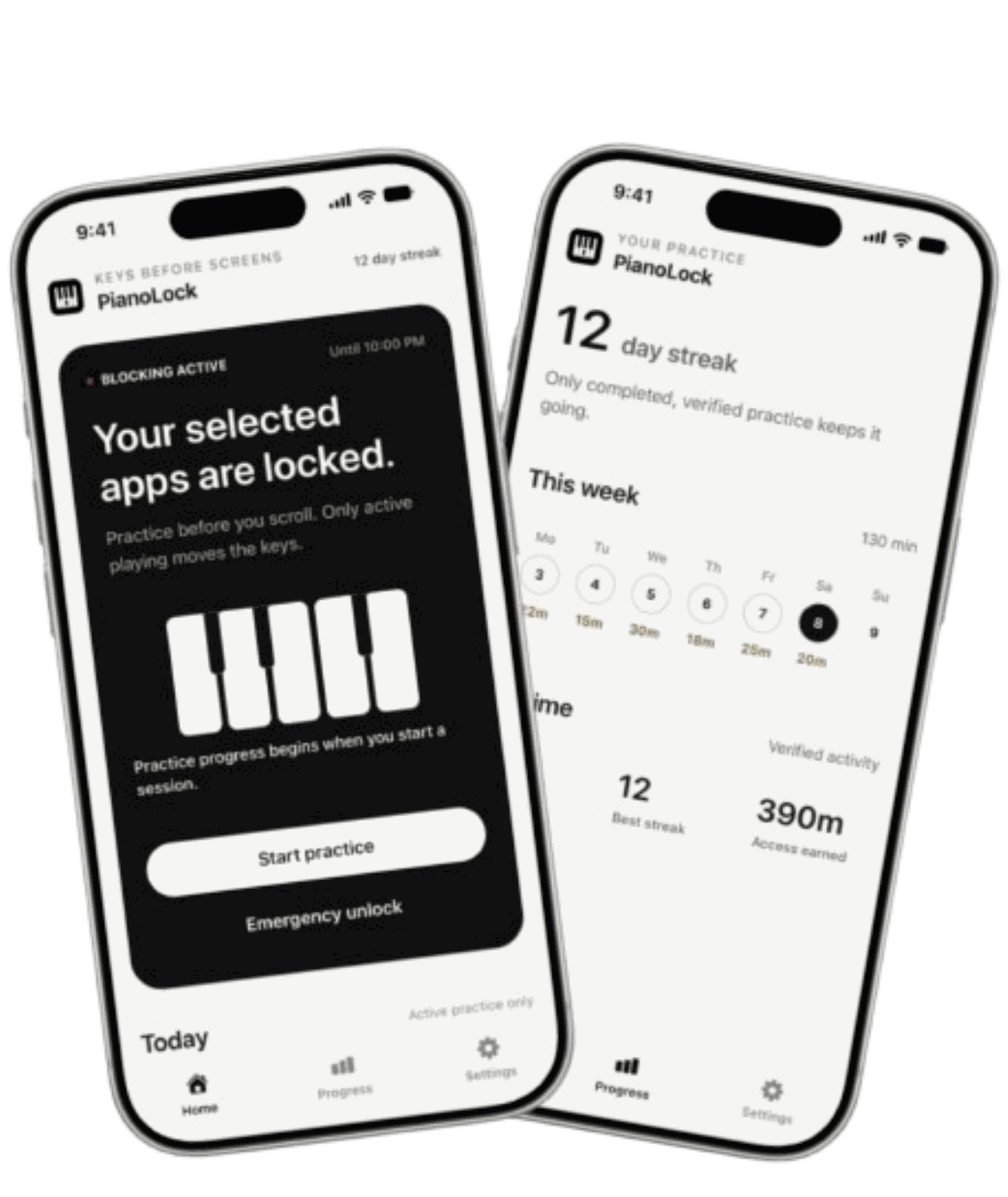
The exchange
Generic blockers only say no. PianoLock turns the moment you reach for a distracting app into the habit you meant to build.
Privately select apps through Apple’s Screen Time picker and set the hours when your piano is normally nearby.
PianoLock verifies active playing with on-device microphone analysis or exact MIDI note activity.
Your selected apps open for the reward you chose. When it ends, iOS protects them again, even if PianoLock is closed.
Your phone becomes the cue.
Your piano becomes the key.
Built for real life
PianoLock is designed as a coach, not a parent. It protects the boundary while keeping deliberate exits available when plans change.
Blocking only runs during the hours you expect your instrument to be nearby. Commutes, work, and travel remain unrestricted.
Practice credit pauses when the piano stops, MIDI disconnects, the microphone is interrupted, or the app leaves the foreground.
Emergency access, a bounded pause, and Turn Off PianoLock remain available. The app should make a good choice easier, not remove yours.
Test the actual practice-to-unlock loop before deciding whether PianoLock belongs in your routine.
Two ways to play
Use the iPhone microphone with an audible piano, or connect MIDI for precise note activity while your keyboard stays silent.
Pitch and activity are analyzed on your iPhone. PianoLock does not save or upload raw practice audio.
USB and Bluetooth MIDI provide exact note events, work in a silent room, and avoid microphone noise entirely.
Private by construction
PianoLock does not require an account or custom cloud backend. Audio analysis, progress, rules, and Screen Time selections are designed to stay on your device.
Simple launch plans
Both plans unlock the complete PianoLock experience. Prices are localized by the App Store and shown before purchase.
Three days free for eligible new subscribers, then billed yearly.
Flexible weekly access. No free trial.
U.S. pricing shown. Your App Store purchase sheet shows the controlling local price, trial eligibility, and renewal terms.
Questions, answered
Available on iPhone
PianoLock is on the App Store. Try one complete practice-to-access demonstration before you decide.